Knockouts
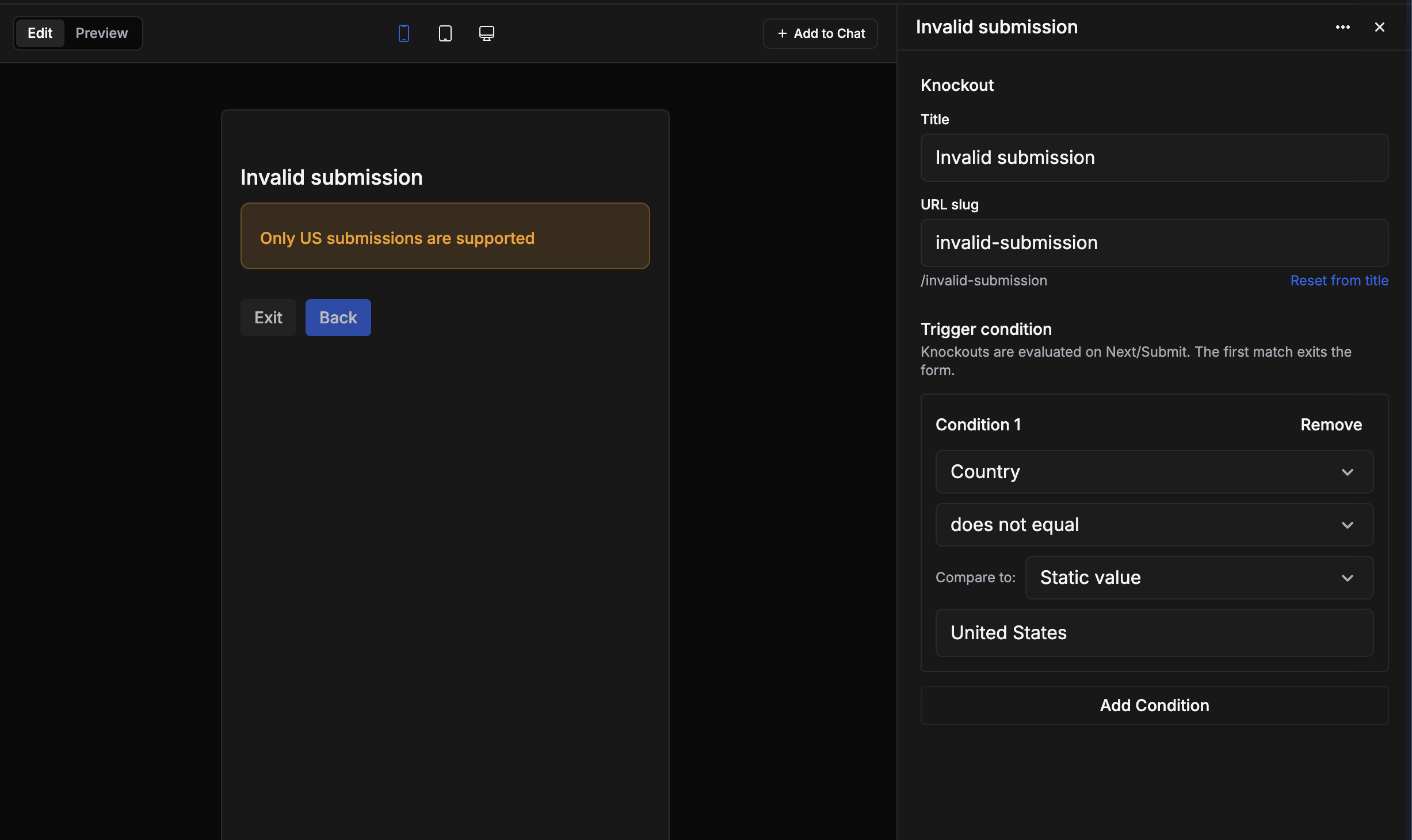
Forms now support knockouts — early-exit rules that end the flow when a respondent's answers don't meet some criteria. When a knockout condition is met, the respondent is routed to a terminal explanation page instead of continuing through the form. Studio Assistant can add knockouts and configure their conditions for you.
Pre-fill values in web forms
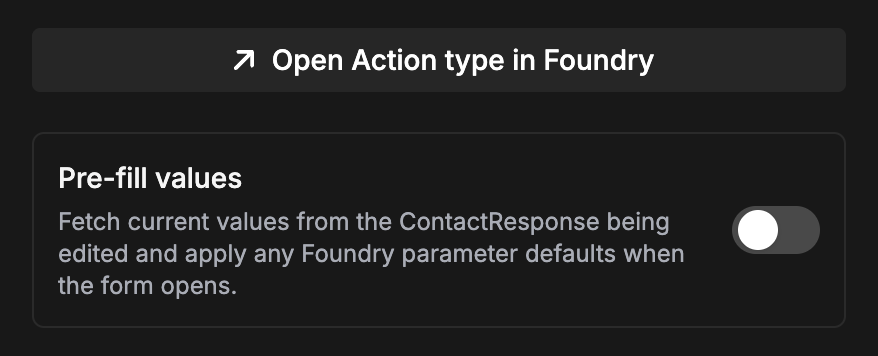
Web forms now support pre-filled values based on Foundry parameter defaults, including static defaults, object-property defaults, and object references resolved from object sets. Dynamic pre-fills respect your security policies (public or token-based) and values are only read when the active policy allows.
Outbox for mobile submissions
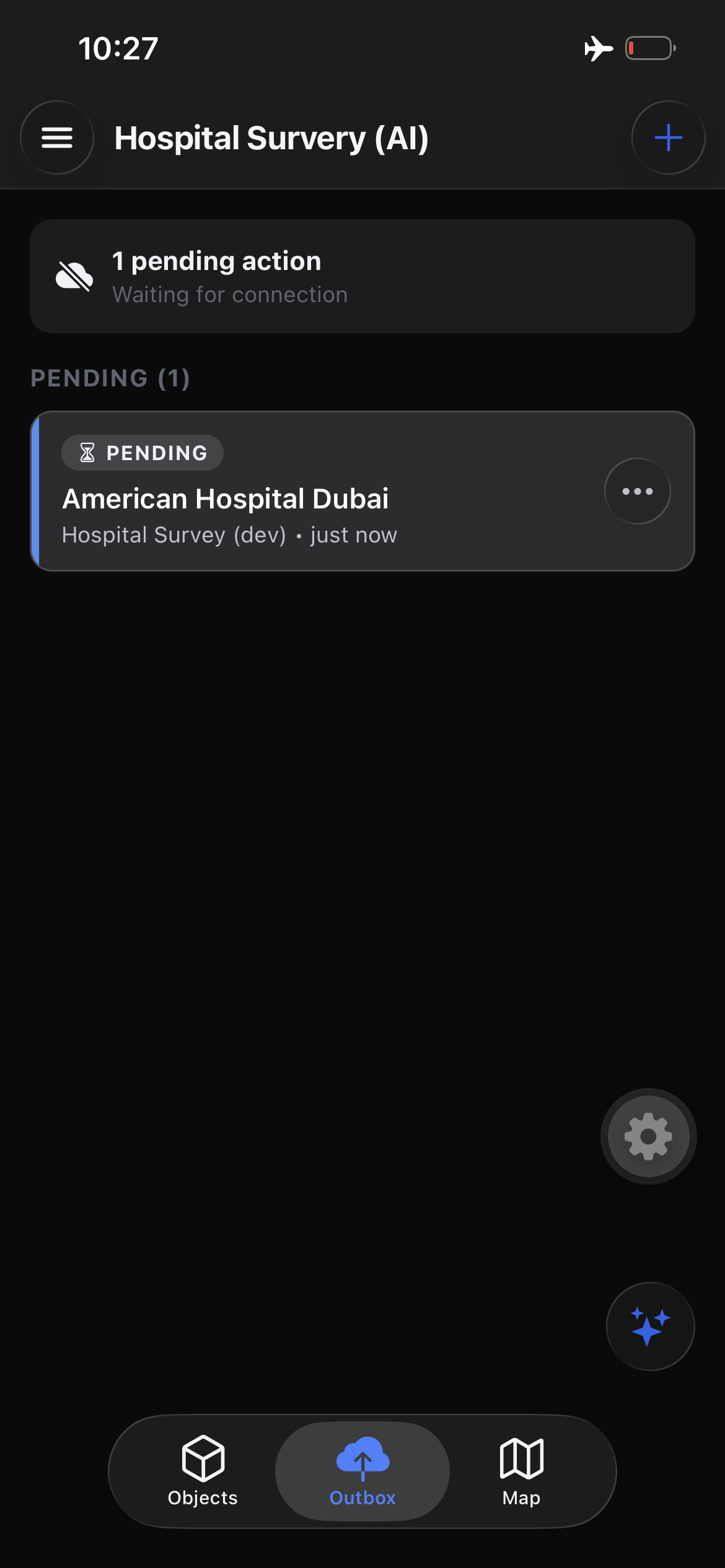
Streamline Mobile now includes an Outbox that tracks pending, syncing, and failed submissions. Retry, edit, or cancel queued actions, including reopening a pending create or edit to adjust its values before it syncs. Failed submissions remain editable and retriable whether the failure happened online or offline.
Improvements/fixes
- The form ending is now its own page element, so you can customize the page respondents see after they submit just like any other page in your form
- Pages now support customizing URL slugs, with conflict detection across all routable pages and knockouts
- Multi-select enum fields can now render as a checkbox group, configurable in the field editor
- Boolean checkbox inputs now support a custom label in place of the default "Yes"
- The scope selector in the form editor is now a searchable combobox
- Always-hidden Action type parameters are no longer pulled into automatic layout imports; they can still be added manually and display a Hidden warning
- The target object reference parameter is now excluded when importing an edit Action type into a Workspace
- Fixed in-line editing for markdown and field labels in the form editor
- Workspaces can be favorited in Streamline Mobile
- You can now scan QR codes to connect Streamline Mobile in-app without opening a separate camera app