More form input options
More form input options
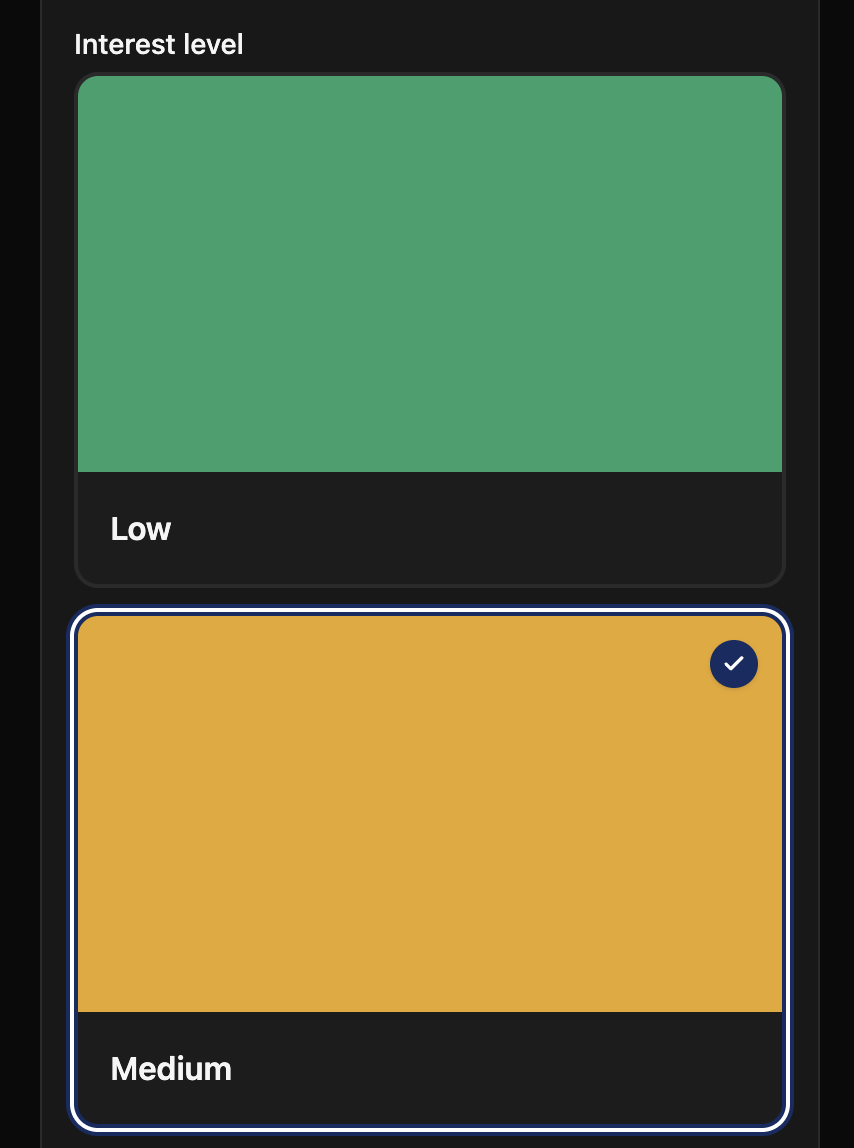
- Single-select and multi-select fields can now display options as radio cards or checkbox cards, with optional images and descriptions
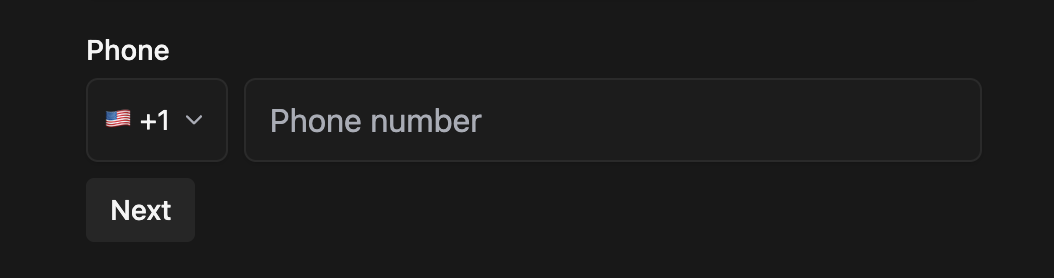
- Phone inputs now support international calling codes
- Group elements can be collapsible, with a configurable initial state
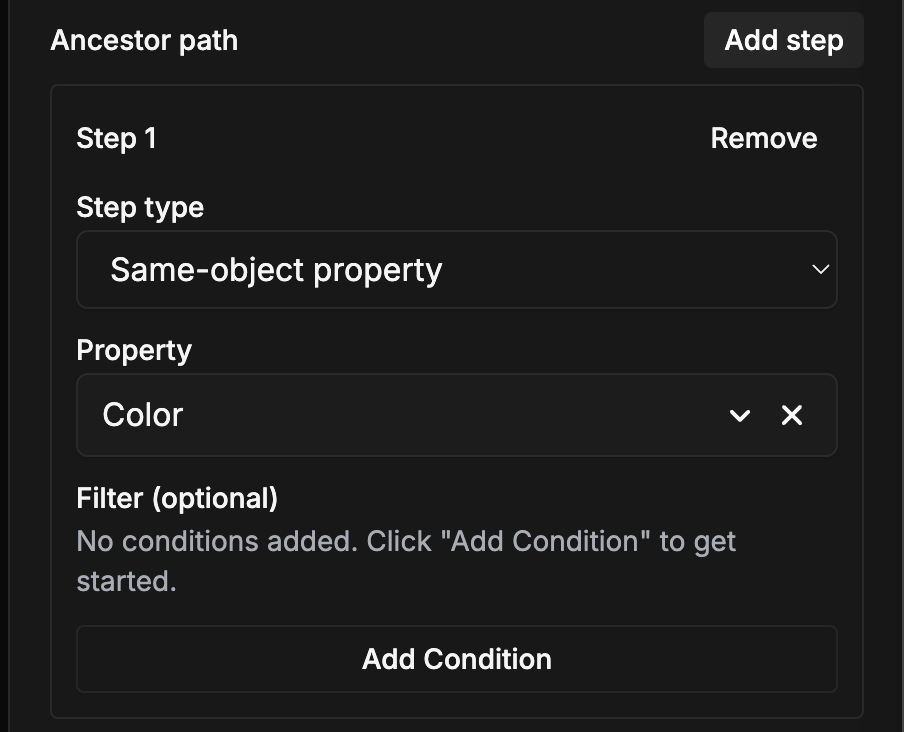
- Object drill-down inputs now support custom selector labels
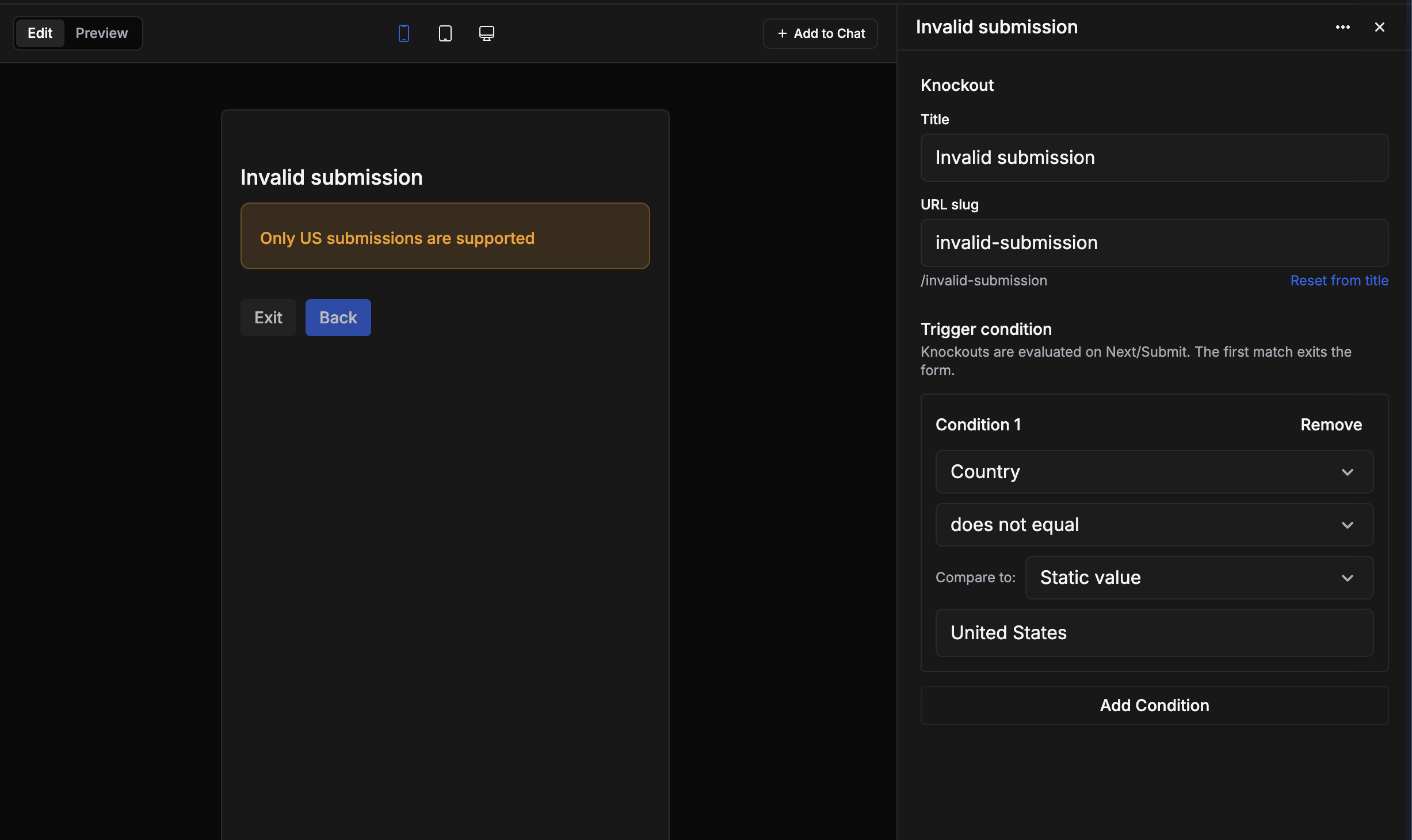
- Form conditions now support array membership checks
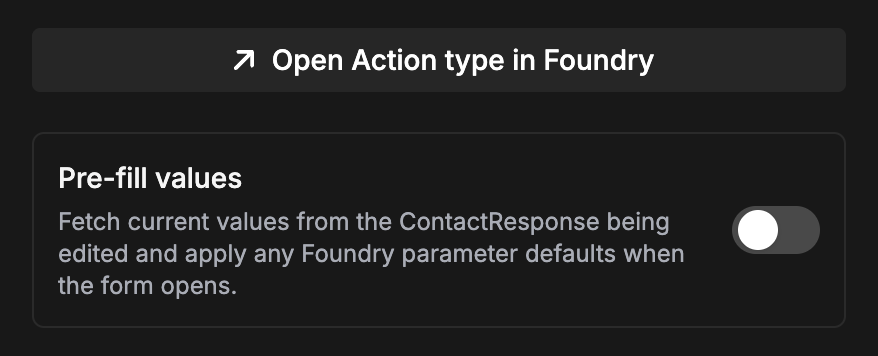
- Foundry media reference properties are now supported
Streamline Mobile redesign
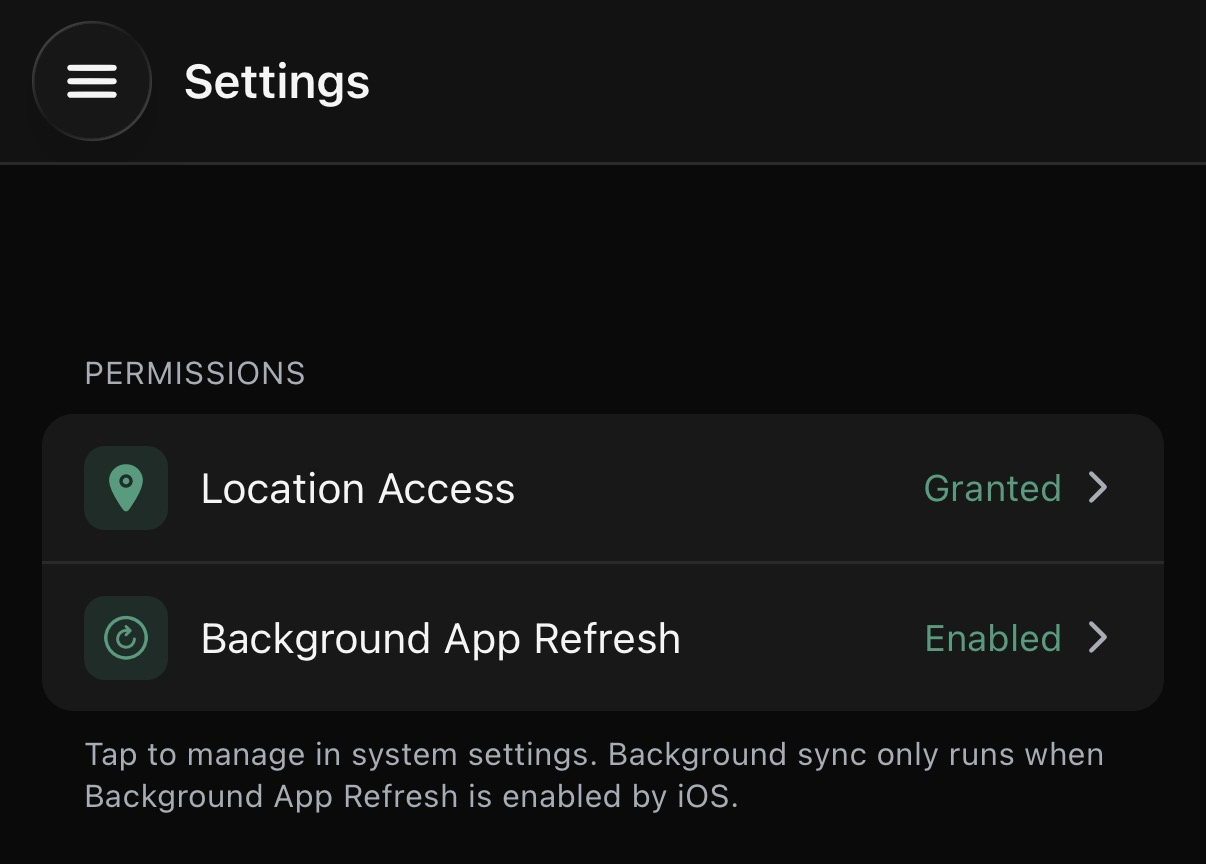
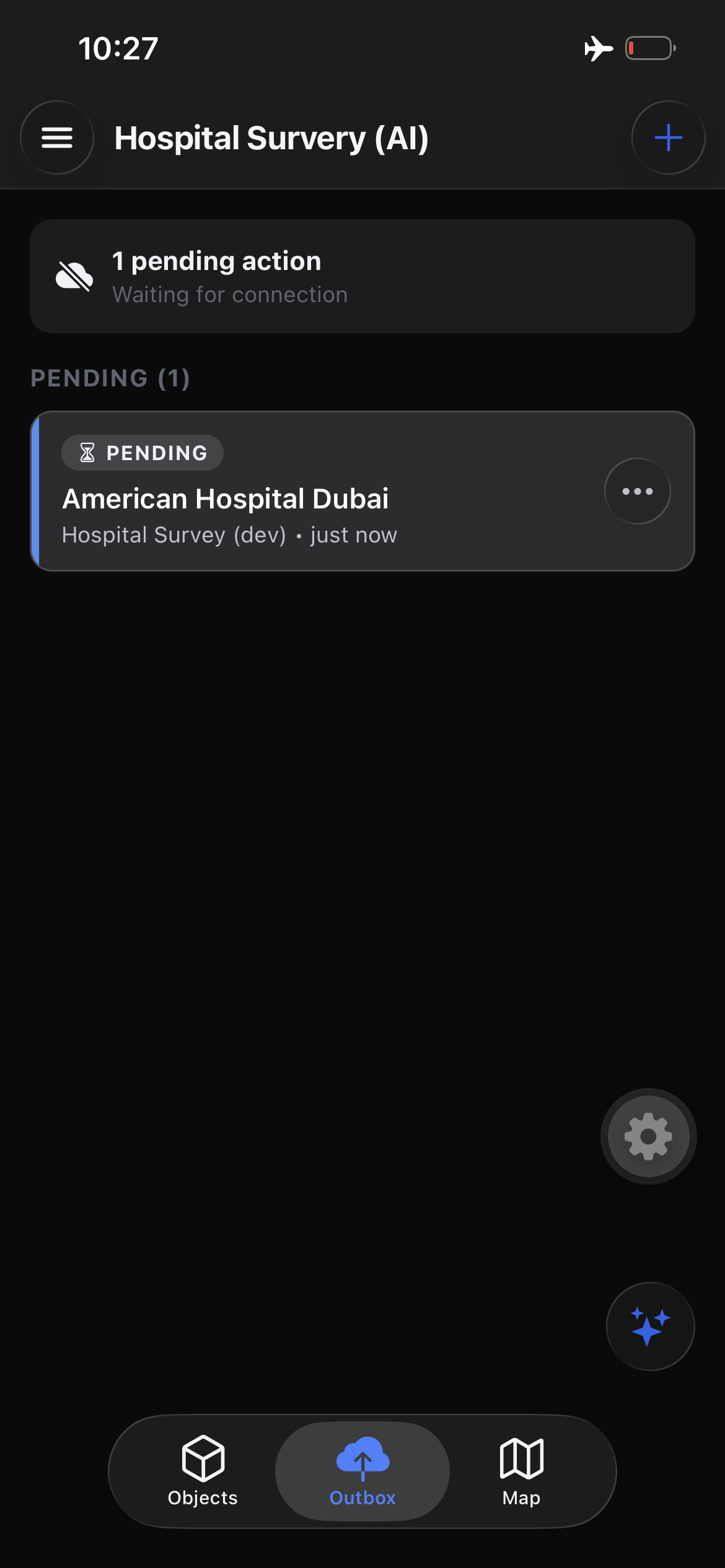
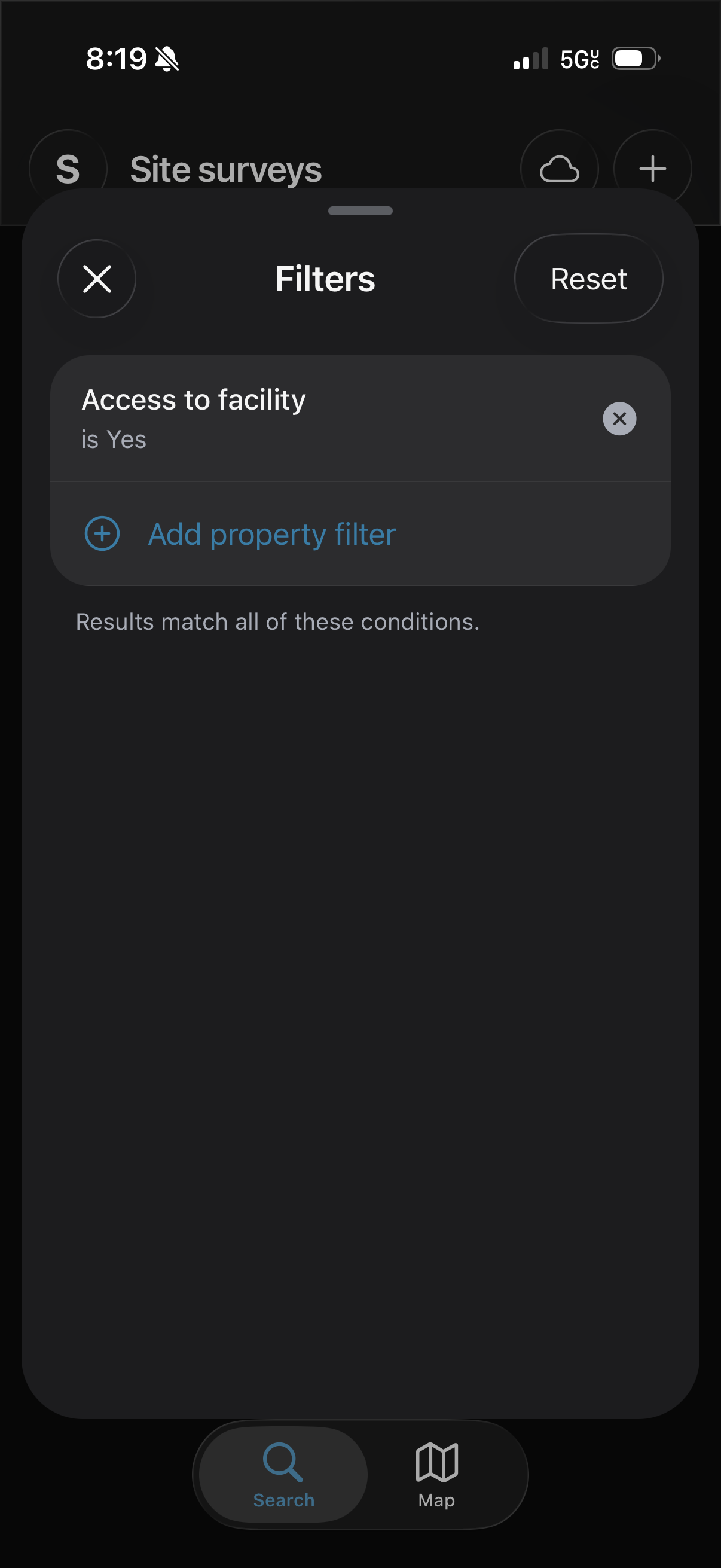
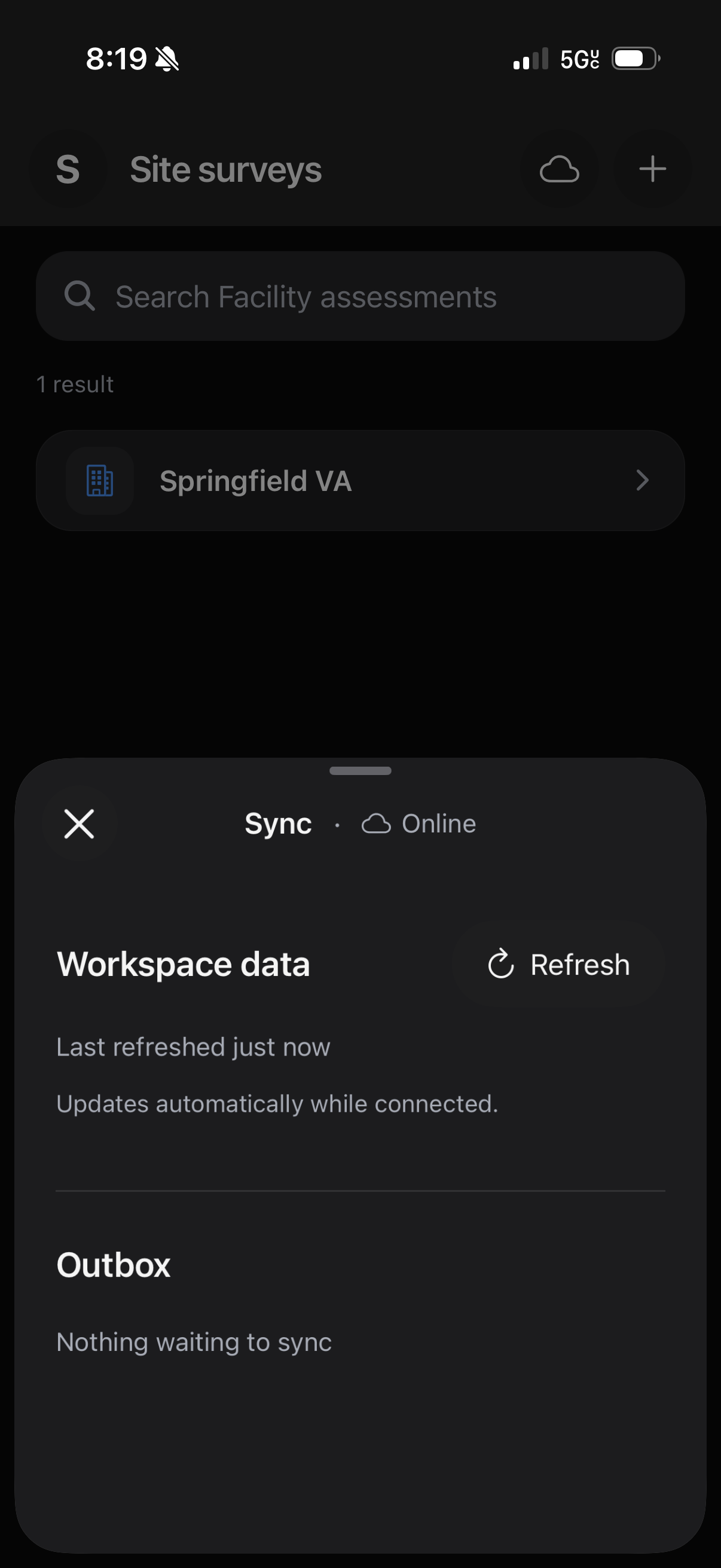
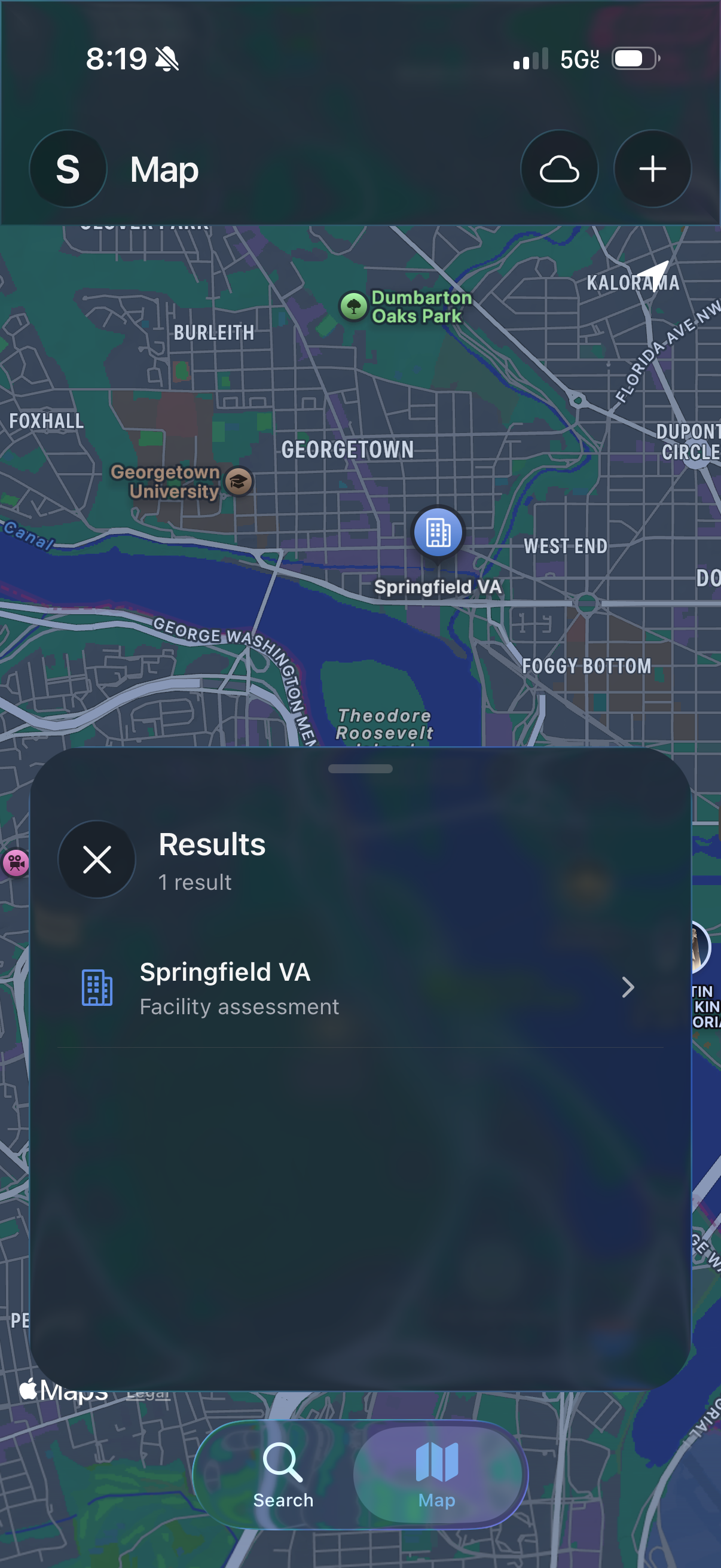
We refreshed Streamline Mobile's Workspace navigation, bringing together objects, maps, and the Outbox, with clearer sync and connection status. Property filters now work alongside search to help you find the records you need. Add, edit, or remove filters with controls tailored to the property's type.
Studio on smaller screens
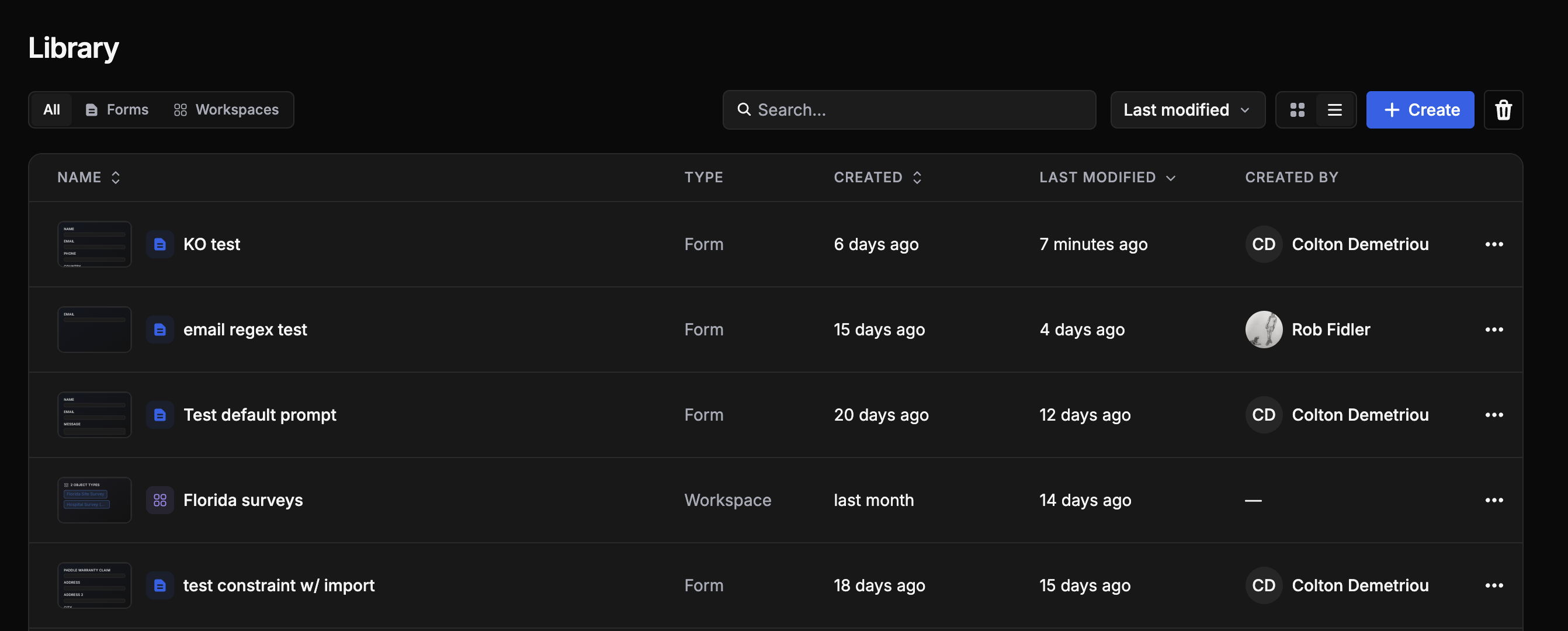
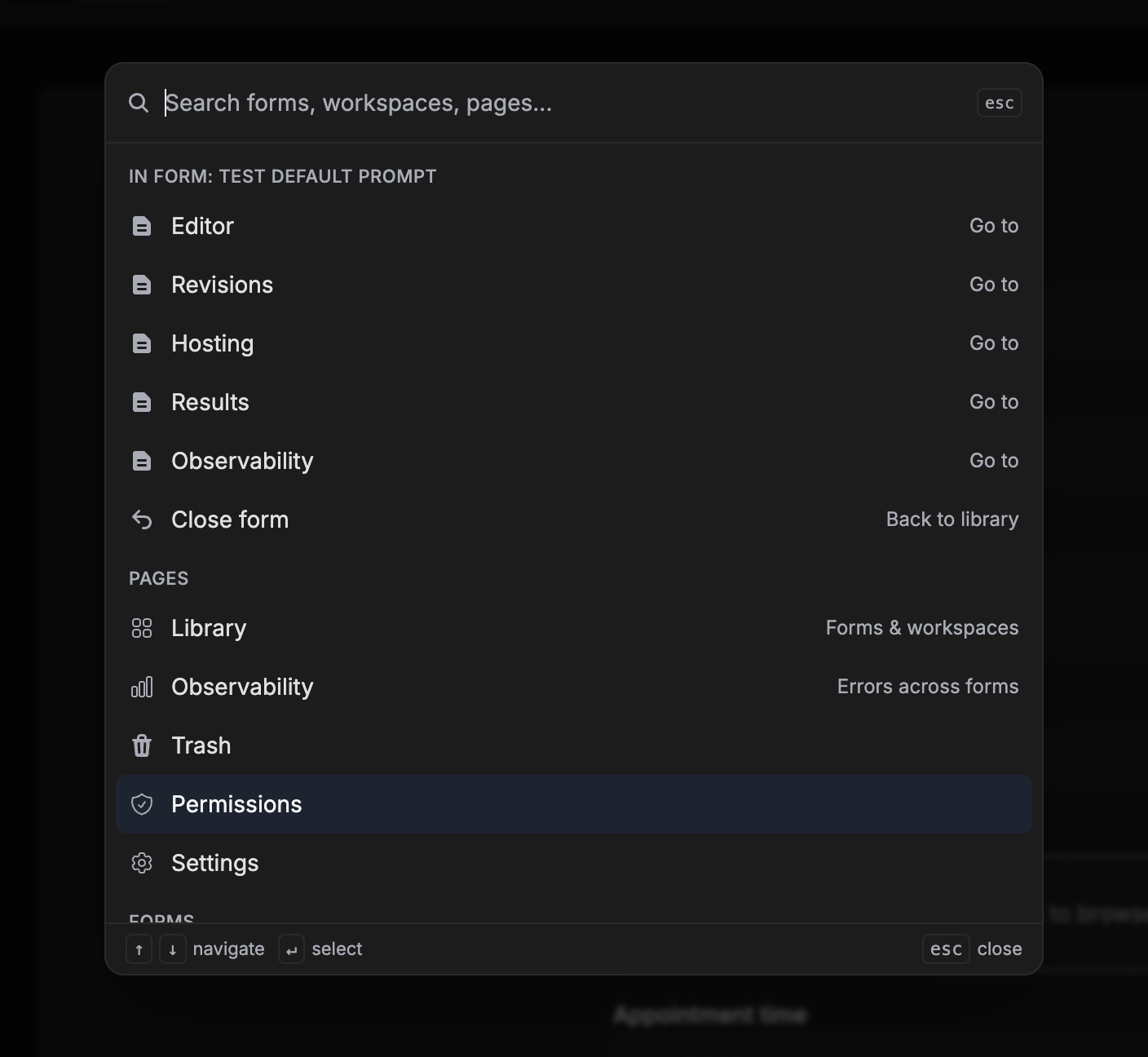
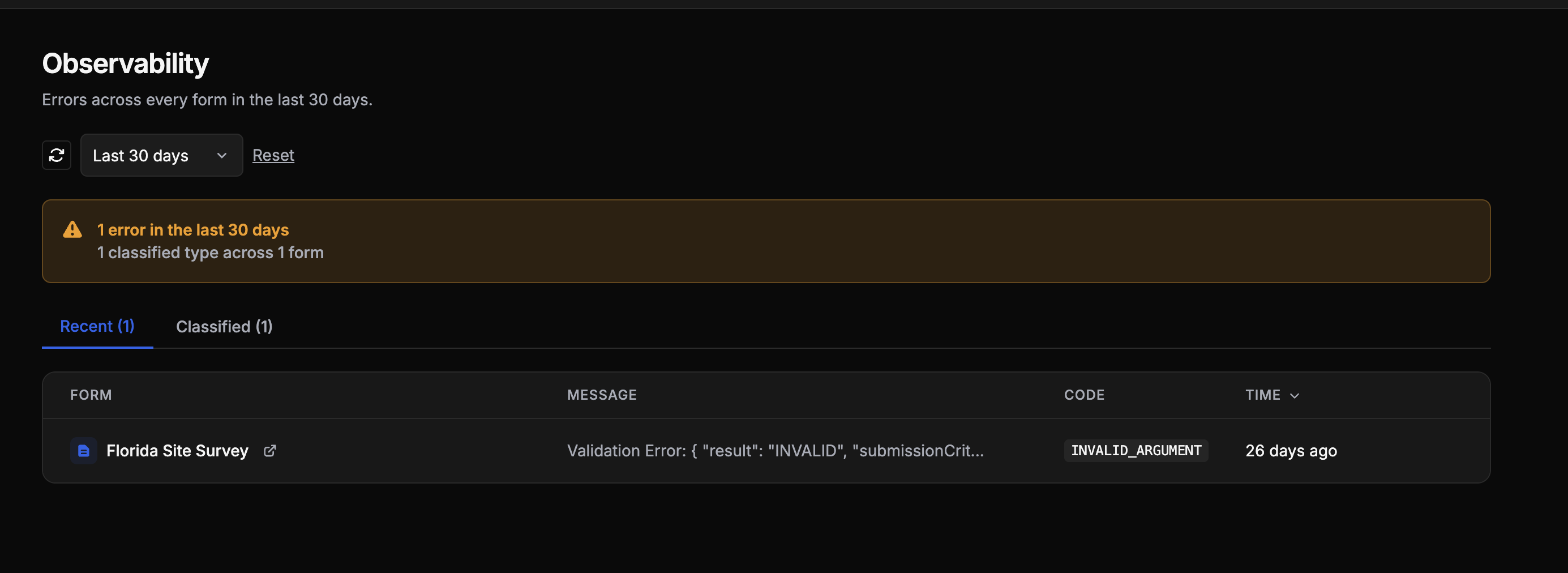
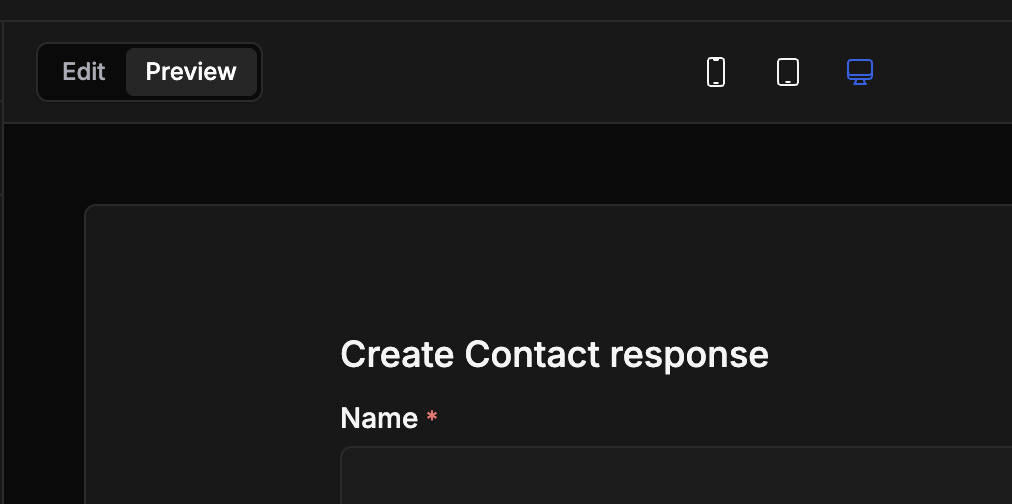
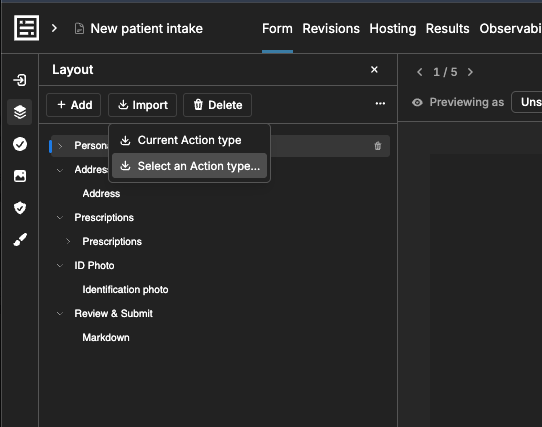
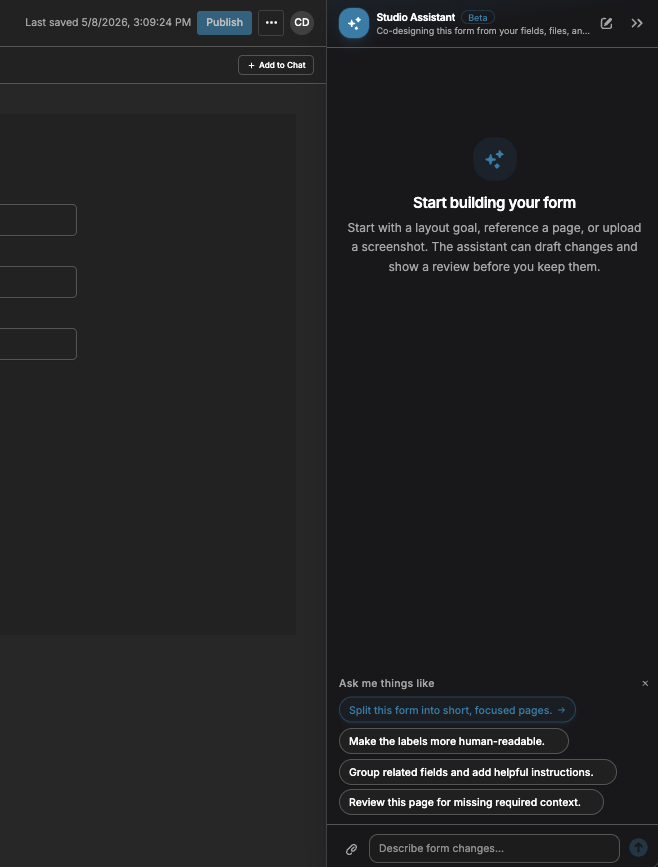
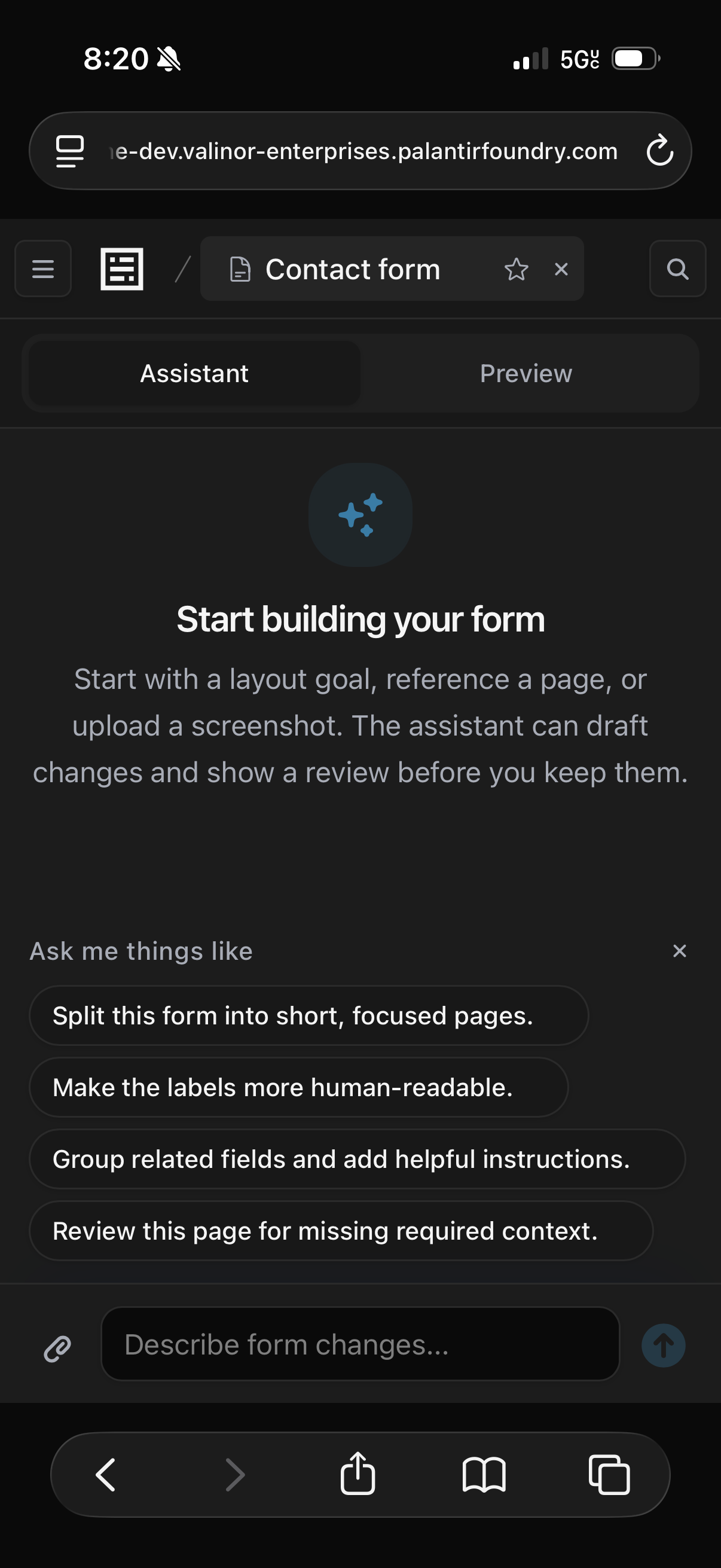
Streamline Studio now works better on phones and smaller screens. We improved navigation, the Library, settings, and observability, and refined the form editor's layout, preview controls, and Studio Assistant. You can also review Assistant changes directly in the form preview.
Improvements/fixes
- Fixed a bug with date and timestamp values
- Fixed the training acknowledgment requirement when enabling public submissions